If you're still watching your AI agent's every step, reading every line of code and pasting error messages back into the chat by hand, you don't trust the agent yet.
You wouldn't hang over a colleague's shoulder and review every keystroke. You'd give them a task and then review a finished pull request. Working with an agent should work the same way: give it the task, point it toward the relevant context and let it work. The agent can run the project, find its own mistakes and iterate until it has evidence that the solution works.
Meanwhile you work on something else. You come back to a pull request that is ready for review.
Trust is what stands between you and the productivity gains everyone is talking about.
The bottleneck isn't the model. It's the environment around it.
Trust is earned. There may be good reasons why you don't trust your agents yet. It may also be that you've never given them the chance. If so, hand the agent your next task, take your hands off the keyboard and see what happens. You might be surprised.
I started coding with AI more than two years ago, when Cursor could mostly autocomplete and write bounded pieces of code. Back then, reading every line was the right thing to do. The tool couldn't run the code or check its own work, so I had to. Since then AI has come a long way and the tools have grown past autocomplete. Agents can run, test and correct themselves, but the habit of supervising often remains.
When the result doesn't hold up, it's rarely because the AI model isn't smart enough. Today's best models are intelligent enough for most of the work most of us do, as long as they have the tools for it. When you can't trust the agent's work, it's the system around the agent you need to fix.
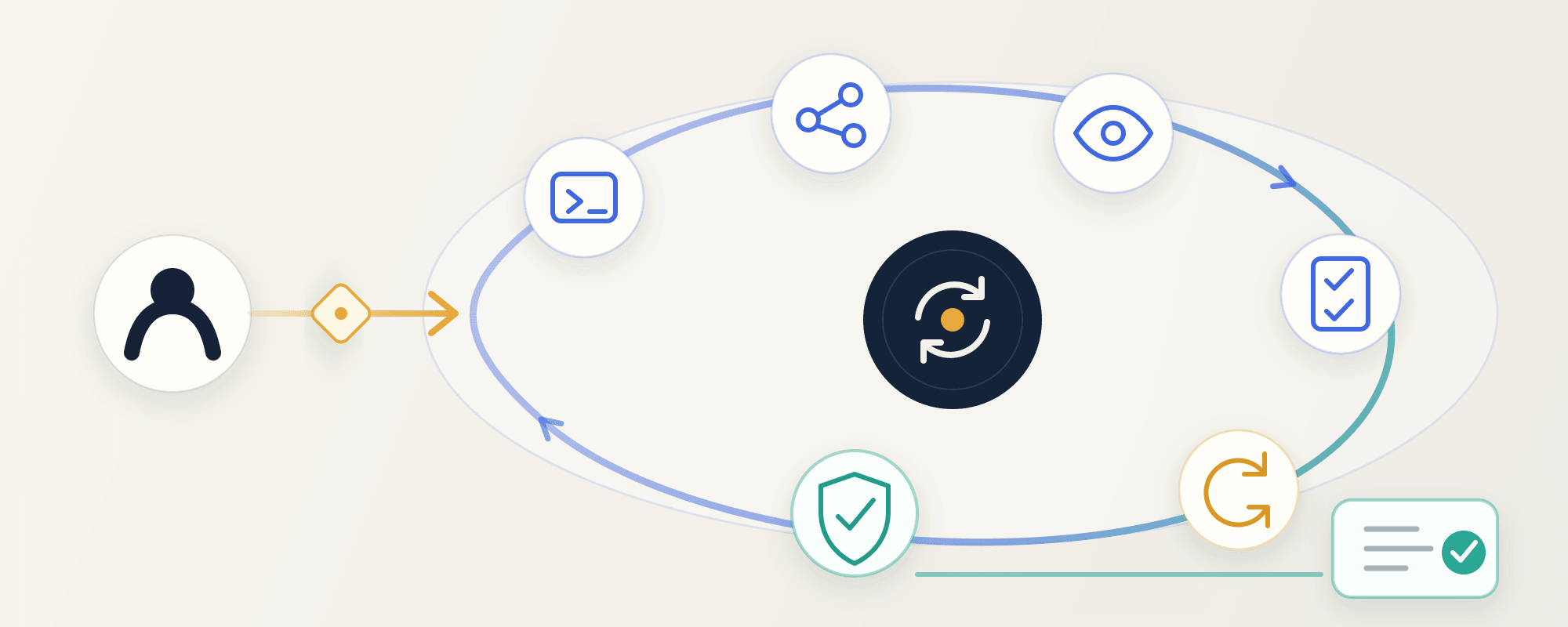
The goal is to remove yourself as the bottleneck in the agent's lifecycle. Five things take you a good part of the way:
- Local environment. The agent should be able to start the project locally on its own, with every dependency and tool you use.
- Readable traces. Your processes should leave logs or other artifacts the agent can interpret.
- External context. Give the agent tools to pull information from issue tracking, documentation and change history.
- Verification. Build tools that let the agent verify its own work.
- Guardrails. Set limits so the agent can do the same things you would, without risking destructive or expensive mistakes.
When the environment is ready, you no longer need to feed the agent error messages and diagnostics. It fetches them itself and produces evidence that the solution works. Instead of you and the agent going back and forth, it handles both roles. It iterates until the error messages are gone and it can prove the task is solved.
Start by having the agent interview your codebase
The most important thing to start with is that the agent can verify its own work. The easiest way there is to ask the agent to interview your environment, usually a codebase.
Have the agent answer the following and write the answers down:
- Surface: what in the product does a user actually interact with? A web app, a dataset, an API, a mobile app, a desktop app, a library?
- Run: how does the service run locally? Look in internal documentation, package scripts, Makefiles and README files. If nothing's there, ask the human how the service is tested locally.
- Drive: how can an agent control the local service programmatically? If there are already Playwright tests, scripts or endpoints, reuse or wrap them. If not, find a way to control the service with commands and turn them into a reusable CLI that can be extended.
- Observe: what evidence can be captured while the service runs? Logs, screenshots, transcripts, database state? The more, the better.
- Isolate: can several instances of the service run in parallel without overwriting or corrupting each other's data? If not, document the limitation clearly.
Then ask the agent to turn the answers into a reusable skill with accompanying tools, so it can verify its own work.
Once the skill is ready, give the agent a task you already know the answer to. Ask it to solve the task and verify the result. Compare it with the known answer and ask the agent to show evidence that the implementation is correct.
If everything went well, you've taken a big step toward more autonomous agents. If not, ask what went wrong and which tools, access or information were missing. Provide what was missing and update the skill. Repeat until the result holds up and there is evidence to back it.
Reliable first. Fast comes later.
Speed is what you get when the work is reliable enough that you don't have to babysit it anymore.
With the environment in place, trust grows quickly. You hand over more tasks, and the agents work longer on their own because they can iterate until the job is done. You're no longer needed to verify every step or top up the context.
Suddenly you have time to spare. This is where the productivity gains become real. What do you do with the time?
- Look up from the code. The agent writes the code. You think through the important decisions and work on the system instead of the details in it.
- Run more agents in parallel. An agent that doesn't need you can be joined by another.
- Improve the environment further. Every improvement lets every future agent do more and do it better.
- Lean back. A well-earned break is fine too.
Whatever you choose, the improvements stay. The environment you built to be able to trust your agents doesn't disappear when the task is done, and the whole team can use it. Anyone can start their own agent in the same codebase, and it can verify its own work without a human stepping in.
The time you save can go back into the environment. Then the gain grows with every task.